
Give everyone a place.
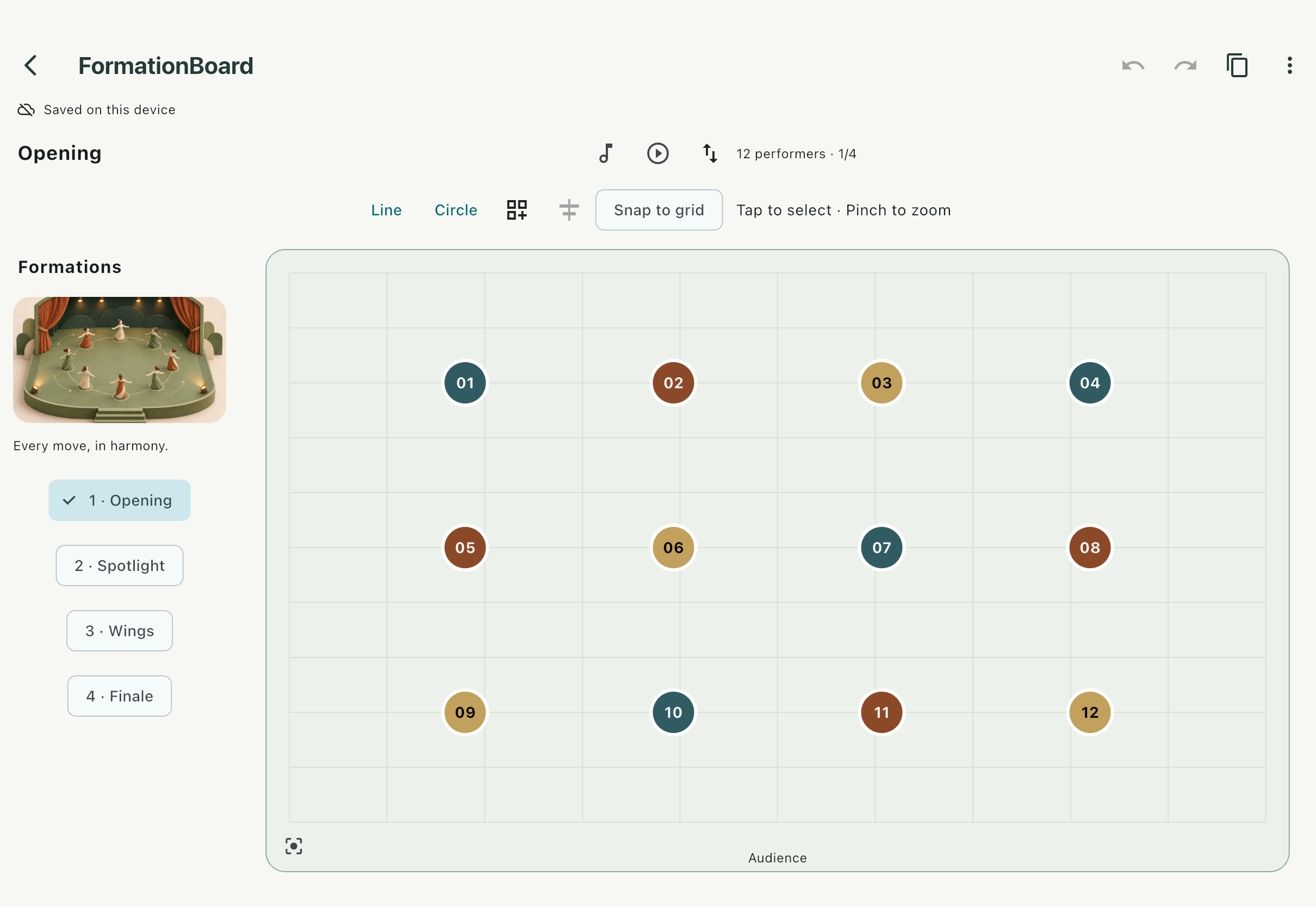
Name and color your performers. Drag a group into position, align a line, or start from a circle, grid, or V. Undo and redo as the idea takes shape.
Turn a stage full of possibilities into a rehearsal everyone can follow. Arrange your performers, shape the transitions, and bring the plan to life with your own music.
Preparing for launch on iPhone, iPad, Mac,
Android phones and tablets.
For the teacher, captain, or choreographer turning a group of people into a shared performance.
Name and color your performers. Drag a group into position, align a line, or start from a circle, grid, or V. Undo and redo as the idea takes shape.
Set formation and transition times, add your own music, and preview the sequence. Pause, scrub, and return to the beginning without moving your saved positions.
Save a formation image, prepare PDF cards, or export a 720p rehearsal movie with music. PDF and video are planned Pro features.
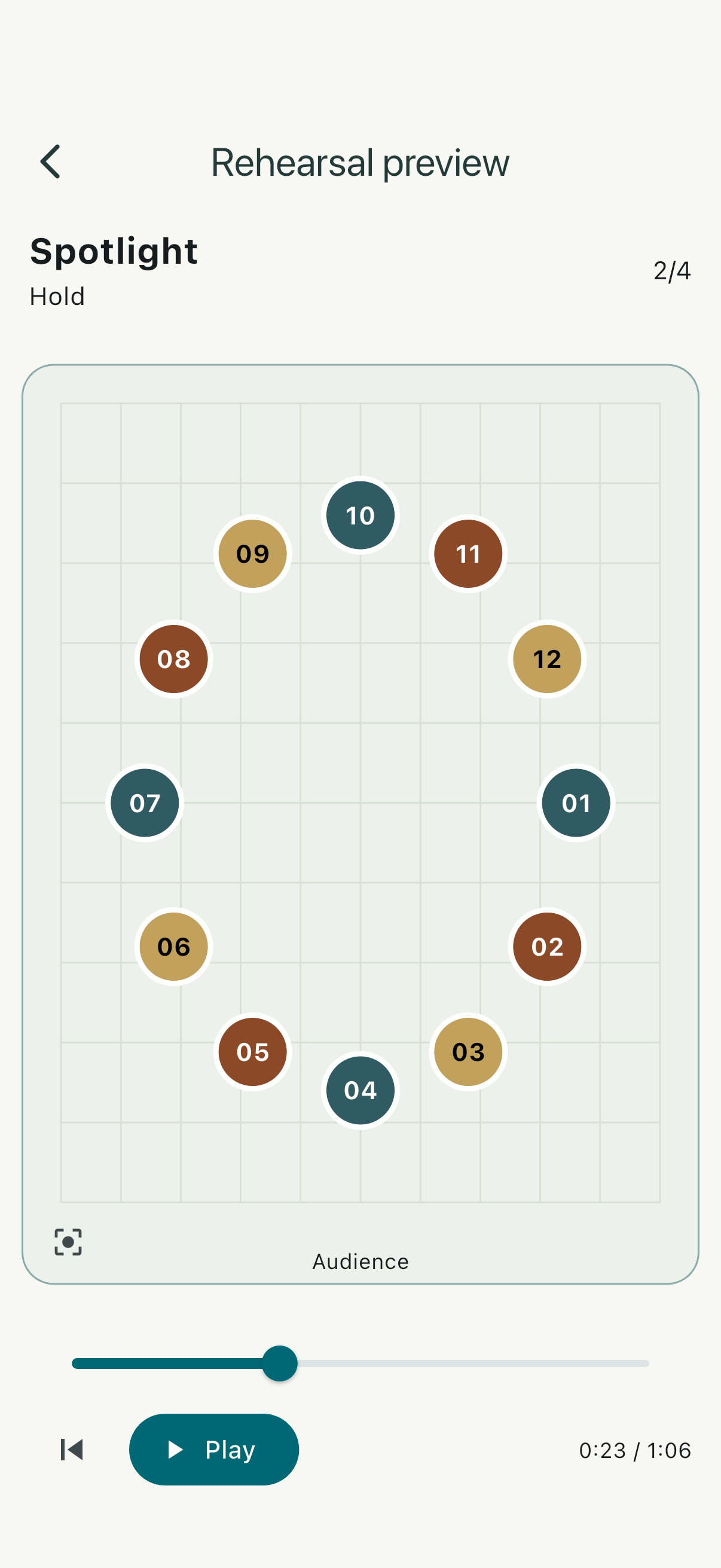
Use the room you have: a larger board on your tablet or Mac, and essential rehearsal controls in your hand. Touch, mouse, and keyboard each have a place.
Projects and rehearsal audio are stored locally. You choose when to export or share. JSON backups keep your formations portable; keep the original music too, because audio is not bundled into the backup.
Understand your data & backups ↗Start with a real small-group rehearsal. Upgrade when you need more room or a finished plan to share.
A useful place to begin. No trial countdown.
One-time purchase. No subscription.
These are the planned release editions. Purchasing is still in development; preview builds may have all features enabled. The final localized price is shown by your app store. Apple and Android purchases are separate. Both editions support up to 60 formations per project, subject to file and storage limits. Future cloud services are not included.
Not yet. We are preparing the first public release. The screenshots show the actual preview app; planned release platforms are iPhone, iPad, Mac, Android phones, and Android tablets. Store links will appear here when downloads are live.
No FormationBoard account is required. Local editing, rehearsal with available music, and exports work on your device. Purchases, restoring Pro, and cloud file providers can require an internet connection.
No. The planned Pro upgrade is a US$19.99 one-time purchase. Final local prices are displayed by your app store. Apple and Android purchases are separate; automatic cross-store access is not promised.
Yes. Export a JSON backup, then choose and import it on the other device. Imported projects are separate copies. Music is not included in the backup; keep your original audio and select it again. There is no automatic cloud project synchronization.
Our release plan protects existing work: entitlement changes must not delete or truncate projects. Local saving, backup and restoration remain free. Purchase and entitlement protection are still being developed and tested.
Questions about the app, your data, or a future Pro purchase?